

Power stability is the backbone of any modern business. Consequently, companies invest heavily in an uninterruptible power supply. A robust UPS protection solution ensures your data stays safe. It prevents hardware damage during sudden blackouts or surges.
However, these systems are not invincible. Even the best hardware can fail without warning. Understanding these vulnerabilities is vital for your uptime. This guide explores the five most common UPS failures. We also provide actionable solutions to keep your power flowing.
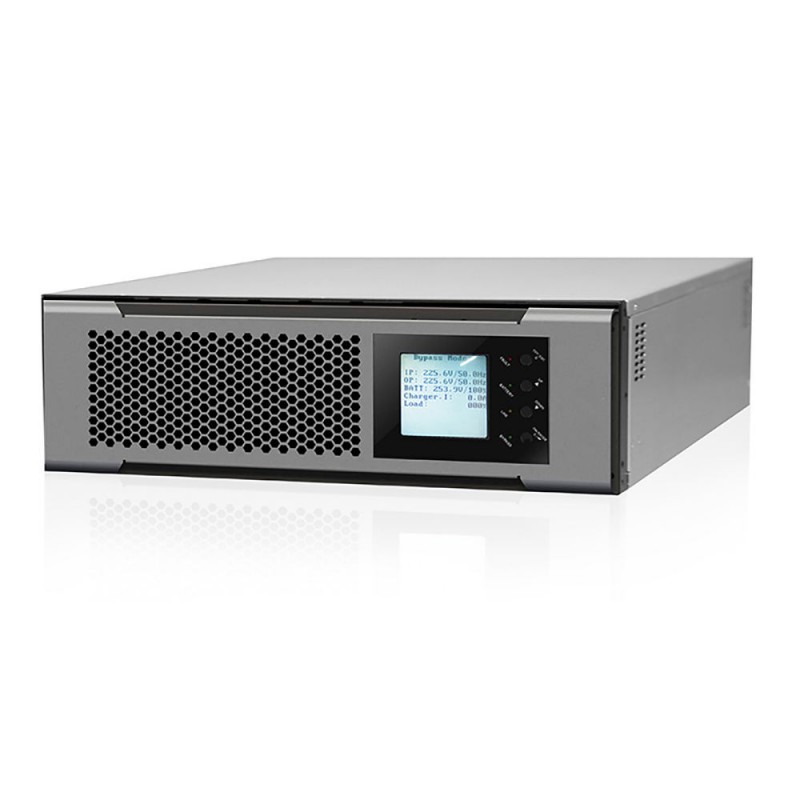
1. Battery Failure: The Weakest Link
The battery is the heart of your system. Unfortunately, it is also the most frequent point of failure. Most lead-acid batteries last only three to five years. Factors like temperature and discharge cycles affect this lifespan.
Problem:
Chemical degradation happens naturally over time. If one cell fails, the entire string may drop. Consequently, the UPS cannot support the load during a blackout. You might only discover this during a real power crisis.
Solution:
Implement a regular battery testing schedule. Use automated battery monitoring systems (BMS) for real-time data.
Keep the battery room at a steady 25°. High heat kills batteries faster than anything else. Replace your batteries proactively before they reach their end-of-life.
2. Capacitor Degradation and Aging
Capacitors act as small energy reservoirs within the UPS. They smooth out voltage fluctuations and filter electrical noise. Like batteries, they have a limited operational life.
Problem:
Electrolytic capacitors can dry out or leak. When they fail, the UPS output becomes “dirty.” This can cause your sensitive servers to reboot. In extreme cases, a failed capacitor might even catch fire.
Solution:
Schedule professional thermal imaging inspections every year.
Check for bulging or leaking fluid during visual checks. Replace capacitor banks every five to seven years. This ensures your UPS protection solution remains stable and clean.
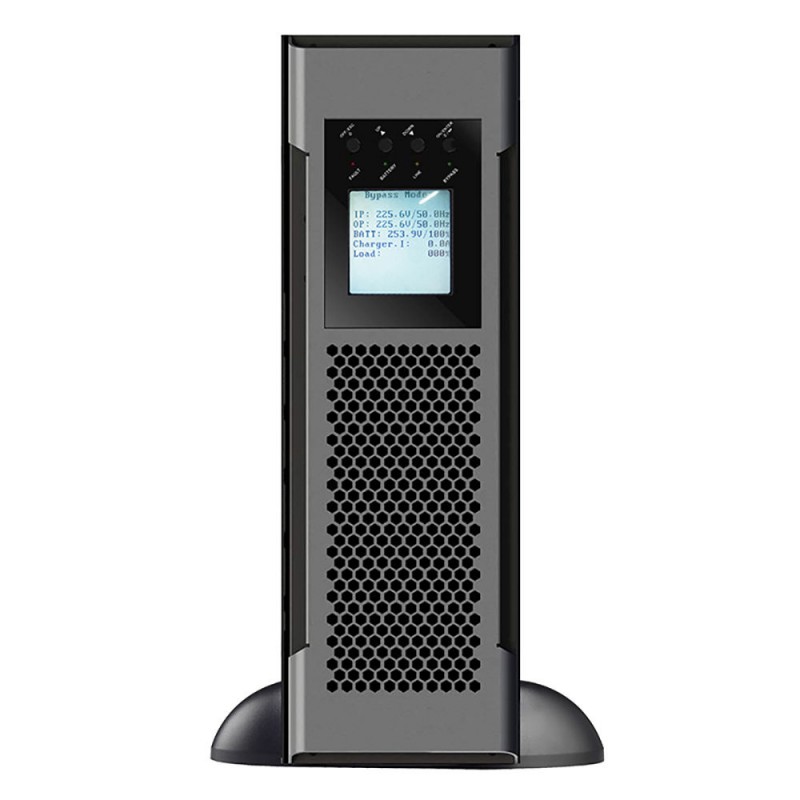
3. Cooling Fan Failures and Overheating
UPS systems generate significant heat during power conversion. Therefore, internal fans are critical for thermal management. These mechanical parts work constantly to move air.
Problem:
Dust buildup can jam the fan blades over time. Bearings also wear out, causing the fan to slow down. If the fan fails, the internal temperature spikes quickly. Most units will shut down to prevent a fire. This leads to an immediate loss of power to your load.
Solution:
Clean all air intakes and exhausts regularly. Replace fans every three years as a preventive measure. Ensure the UPS has at least six inches of clearance. Proper airflow is the cheapest way to extend hardware life.
4. Internal Component Wear and Dust Contamination
Data centers are often clean, but industrial sites are not. Dust, moisture, and metallic fibers can enter the UPS. This buildup creates a bridge between electrical components.
Problem:
Conductive dust causes short circuits on the control boards. Furthermore, moisture can lead to corrosion on copper traces. These “silent killers” lead to erratic behavior or total failure. Your UPS protection solution may report false alarms constantly.
Solution:
Install air filters if you operate in dusty environments. Perform an annual “deep clean” using compressed air. Ensure your UPS has a high IP (Ingress Protection) rating. This protects the internal circuit boards from environmental hazards.
5. Improper Sizing and Human Error
Sometimes, the failure is not mechanical but human. Improper installation or configuration often leads to system crashes.
Problem:
Users often add more servers to a single UPS. This leads to an overload situation. During a power switch, the UPS may trip its breaker. Furthermore, technicians might accidentally leave the system in “bypass” mode. This means your equipment has zero protection during a storm.
Solution:
Calculate your total load before adding new equipment. Always leave a 20% safety margin for power spikes.
Train your staff on proper bypass procedures. Utiliser “smart” UPS units that send alerts during overload events. Double-check all settings after every maintenance visit.
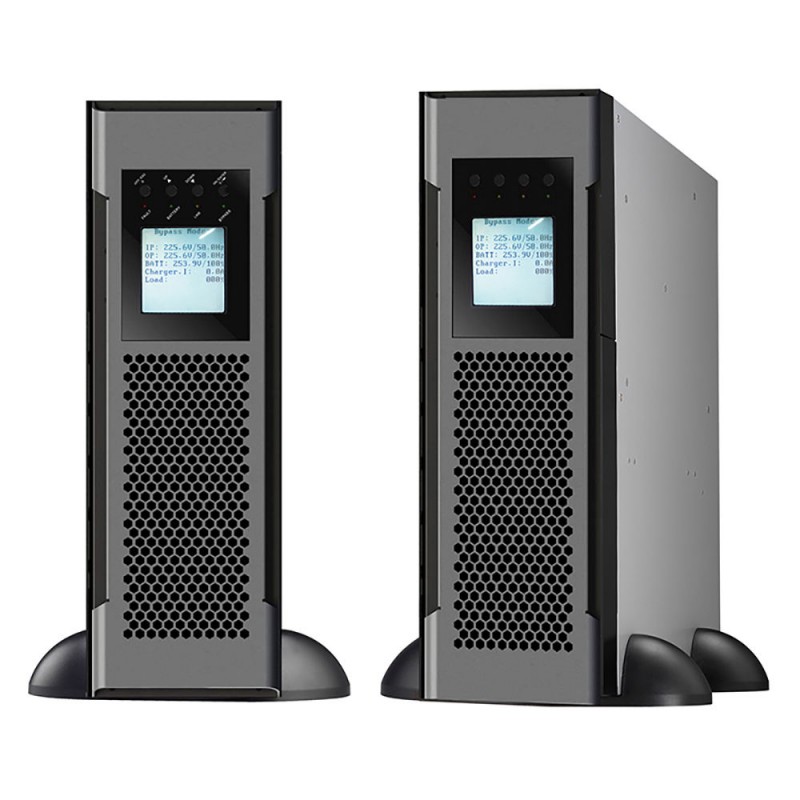
Why Regular Maintenance is Non-Negotiable
A UPS protection solution is like an insurance policy. You hope you never have to use it. However, it must work perfectly when you do. Routine maintenance reduces the risk of failure by 50%.
-
Quarterly: Perform visual inspections and log checks.
-
Bi-Annually: Check all electrical connections for tightness.
-
Annually: Conduct a full load bank test.
Skipping maintenance is a gamble with your company’s data. Most failures are preventable with a little foresight.
Conclusion
A standard UPS protection system is a complex machine. It faces threats from heat, age, and human error. By tracking batteries and fans, you avoid most issues.
Don’t wait for a blackout to test your hardware. Take control of your power infrastructure today. Professional inspections and timely part replacements are the keys. Keep your business running and your data safe in 2026. A little effort now prevents a massive disaster later.